Blox Fruits Merch DLC: Redeem on the Intended Account and Keep the Code Private
An official merchandise code is different from a public promotional code copied from a guide. Check the product instructions, the account receiving the reward and the current in-game redemption flow before revealing or entering a private DLC code.
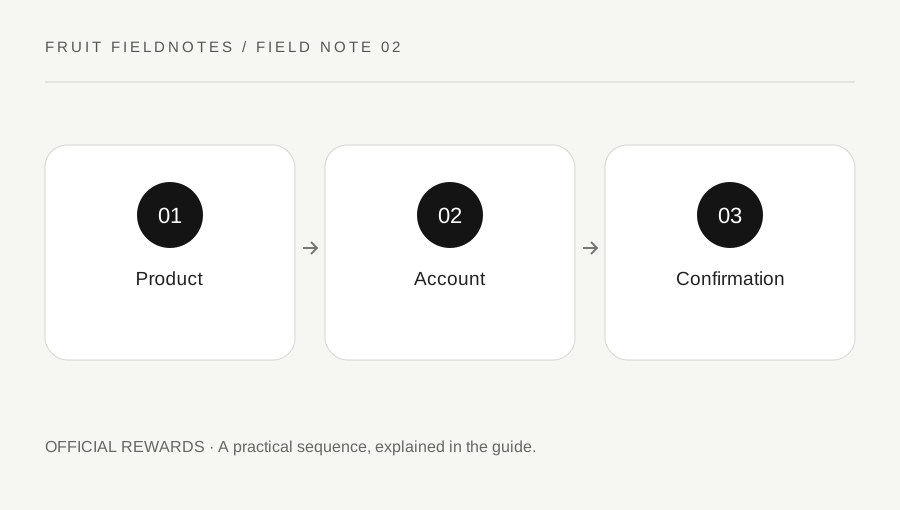
Original explanatory diagram. Examples illustrate a method or decision; they are not claims of personal testing.
Identify the kind of code you have
Gamer Robot publishes a merchandise DLC guide describing codes included with eligible official products. Read the instructions for your actual product rather than assuming that every toy, collectible or printed number grants the same reward. Keep the packaging and proof of purchase if a support inquiry becomes necessary.
A private merchandise code should not be posted in a screenshot, stream or public chat. The official guide warns against sharing it. A stranger cannot verify ownership by receiving the full code without also receiving information intended for redemption.
Distinguish this process from a list of public promotional codes. The code's purpose, eligibility and support route may differ. This page does not provide working codes or promise a particular fruit. The relevant reward is the one described for the eligible product and current official redemption information, not a claim attached to a resale message or an old video.
Confirm the receiving account before entering it
Before launching Blox Fruits, verify that Roblox is signed into the account you intend to use. Compare the actual username, especially on a shared device or after switching accounts. A familiar display name alone can be ambiguous.
Open the official experience from Gamer Robot's Roblox page, then consult the current DLC guide and the supported in-game reward-code interface. The published guide describes entering the code within Blox Fruits. Do not type it into an unrelated website that claims to activate an extra reward or move it to another account.
For example, a parent and child may both use the same tablet. The right product and correct code can still be entered on an unintended account if the login is not checked first. Resolve that before revealing the code in the game. Do not assume a later transfer is available; the guide associates the reward with the account used to redeem it.
Enter carefully and read the actual response
Follow the product's instructions for revealing the code without damaging the printed characters. Enter it carefully into the supported interface, then read the complete response. A rejected code, a connection problem and an apparent successful redemption are different states.
If a character is unclear, compare it with the physical token rather than repeatedly guessing long sequences. Do not share the code in a public request for someone to read it. If support needs identifying information, use the official product-support process and provide only what it requests through a private channel.
After a successful response, inspect the relevant in-game reward or entitlement. Do not infer the result solely from an animation, and do not immediately buy another product because you cannot find an item. Read the current guide for the reward type. Product series and reward categories can differ, and an old reward chart is not a substitute for the information attached to your specific merchandise.
Use the right support route without a new purchase
Gamer Robot's FAQ distinguishes merchandise support from game, social and account questions. Start with the official DLC help linked from the guide for a product-code issue, and preserve the proof of purchase, product identity and the exact error. Avoid posting the full code in a general community discussion.
For a Roblox purchase problem unrelated to a merchandise token, read the FAQ's separate guidance rather than assuming the merchandise contact handles every in-game issue. State whether the problem concerns a physical product, a private code, a Robux transaction or finding a redeemed reward.
Do not sell codes to another player or pay someone to redeem a code on your behalf. Gamer Robot's FAQ prohibits merchandise-code resale between players. A sensible completion check is simple: intended account, official interface, observed response and located reward. None of those steps requires another person to log into your account, and no support outcome should be promised before the actual issue has been reviewed.
A practical checklist
Choices are saved in this browser. Reset them here or clear this site’s browser storage.
Questions that come up
Is a merch DLC code the same as a public promo code?
No. Treat the product code as private and follow the instructions for that eligible product.
Can I assume the reward transfers to another account later?
No. Check the intended account before redeeming; do not rely on a transfer that has not been officially confirmed.
Should I buy another code when a reward is hard to find?
First verify the response, reward category and official support instructions. Another purchase does not diagnose the original issue.
References & scope
Background references checked on 18 October 2026. Worked examples and diagrams are original teaching material.